
GPT Image 2.5: Flare or Sunburst, and where to use it
GPT Image 2.5 is OpenAI's picture model, released on 8 September 2026 in two versions: Flare, the fast one OpenAI calls the default for most work, and Sunburst, the most capable, for edits where precision matters. This explainer covers what changed from GPT Image 2, what each version is for, the limits in OpenAI's docs, and every place you can use it, as of 11 October 2026.
GPT Image 2.5 is OpenAI’s picture model, in two versions
OpenAI released GPT Image 2.5 on 8 September 2026, five months after GPT Image 2 (21 April 2026), according to its API changelog. In ChatGPT it’s called ChatGPT Images 2.5; in the API it’s two separate models:
- GPT Image 2.5 Flare (
gpt-image-2.5-flare): “our fastest model for high-quality, everyday image generation”, in the words of its model page. OpenAI’s launch post calls it “the default choice for most applications”. - GPT Image 2.5 Sunburst (
gpt-image-2.5-sunburst): “our most capable model for image generation and editing”, for “workflows where editing precision matters most”, says its page.
Both make pictures from words, edit pictures you give them, and take the same settings. The difference is the trade between speed and care.
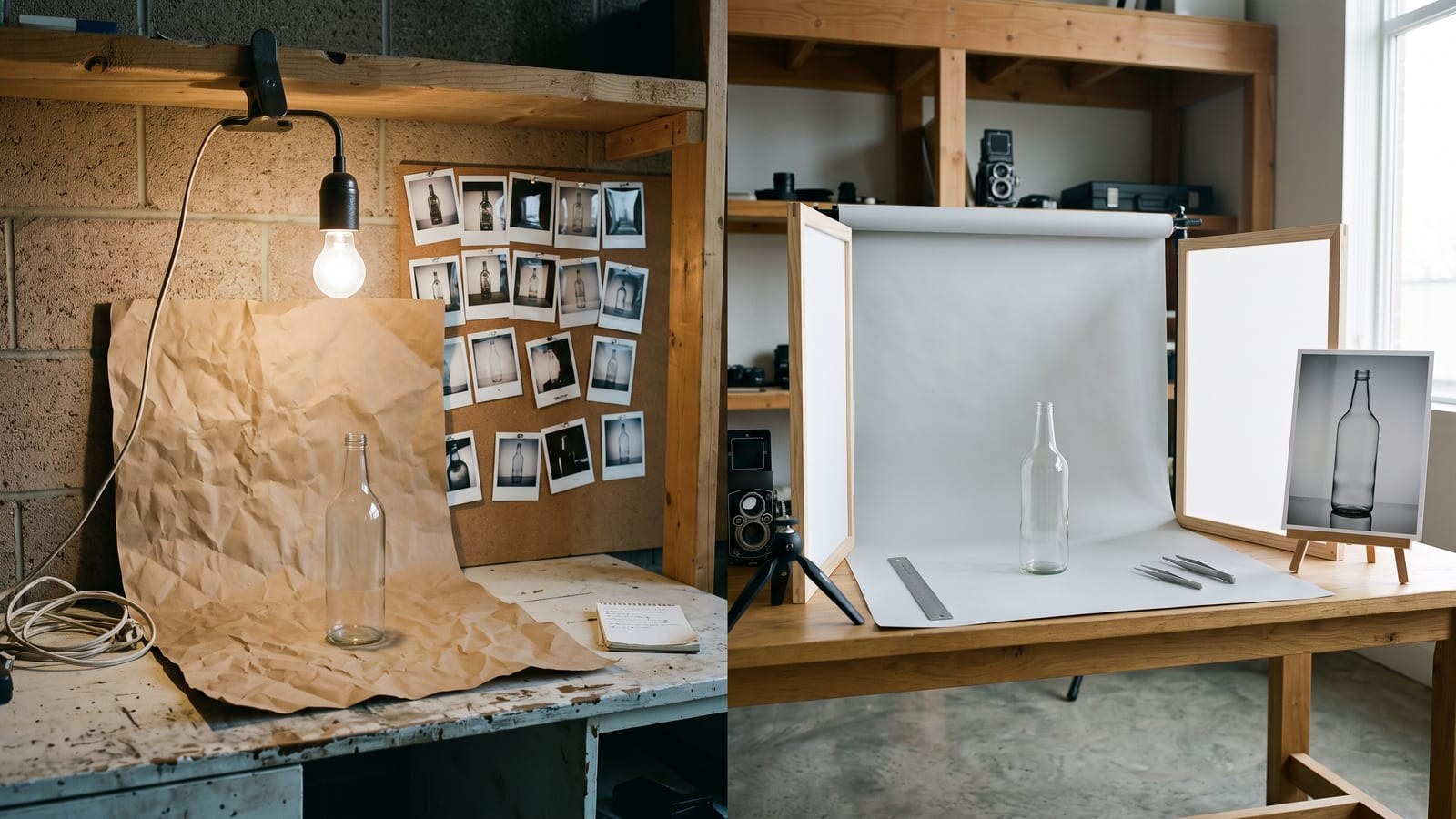
Flare or Sunburst: which to use for what
From OpenAI’s model pages, launch post and prompting guide, read on 11 October 2026:
| Flare | Sunburst | |
|---|---|---|
| OpenAI’s words | “Fast, high-quality everyday image generation” | “Our most capable model for image generation and editing” |
| Made for | Creator and social content, quick ideas, lots of pictures | Campaign creative and polished product pictures, edits that must hold |
| Speed | OpenAI’s fastest; “50% lower latency” than GPT Image 2 in the API | Slower: “longer generation times” for more precision |
| Quality | Launch post: higher than GPT Image 2; prompting guide: “comparable” | Higher than GPT Image 2 |
| Features | The same in both: up to 16 reference pictures, edits, transparent backgrounds, quality up to max |
A simple way to work: explore with Flare, and switch to Sunburst for the picture you’ll actually use, or when an edit has to leave everything else alone (a label on a product, a face across a set, an approved layout). The edit endpoint uses Sunburst unless you name another model, which says something about where OpenAI thinks it earns its keep.
What changed from GPT Image 2
OpenAI’s launch post lists the changes for ChatGPT Images 2.5:
- Light and texture: “more natural lighting and richer textures”.
- References: “better at preserving the subjects in your reference photos”, the thing that matters for a character or a product shown again and again.
- Edits: it “follows editing instructions more reliably across multiple turns” and is “better at editing only what you’ve asked for”.
- Speed: image generation up to 50% faster than Images 2.0 in ChatGPT. OpenAI’s prompting guide adds that a speed gain on one kind of job doesn’t promise the same on another.
- Layouts and cut-outs: it handles more complex layouts, including transparent backgrounds.
- Two new quality settings:
xhighandmax, above thehighthat earlier GPT Image models stop at (image generation guide).
In ChatGPT itself, the launch also brought Sketch (type “@Sketch” to draw a rough guide), templates and comments on pictures. The release notes for 8 September 2026 say existing image limits are unchanged.
What it can do, and its limits
From OpenAI’s image generation guide and API reference, as of 11 October 2026:
- References: up to 16 pictures in one edit.
- Sizes: 1024 by 1024, 1536 by 1024 and 1024 by 1536 are the recommended ones. Custom sizes work up to 3,840 pixels on the long edge, between 1:3 and 3:1, but OpenAI calls anything above 2560 by 1440 experimental.
- Pictures at once: 1 to 10 a request.
- Transparent backgrounds: yes, as PNG or WebP, on both versions.
- Masks: you can brush an area to change, but OpenAI says masking is “entirely prompt-based” and may not follow the mask’s exact shape.
- Formats: PNG by default, or JPEG and WebP, and OpenAI notes JPEG is faster.
The guide also lists what GPT Image models still find hard: text can still be off in its placement and clarity, keeping a recurring character exactly the same across separate generations isn’t guaranteed, and complex prompts can take up to two minutes. So check lettering closely, and when a face or a product has to match, give it the same reference pictures every time (our guide to keeping a character consistent covers how).
Every picture carries C2PA metadata and an invisible watermark. OpenAI’s system card names that layer as Google DeepMind’s SynthID, used across ChatGPT, Codex and the API.
Where you can use GPT Image 2.5
As of 11 October 2026, from each company’s own pages:
| Where | What you get |
|---|---|
| ChatGPT | ChatGPT Images 2.5 on every plan, on desktop, mobile and the web; OpenAI doesn’t say which version ChatGPT uses for each picture |
| Codex | The same, for Codex users; OpenAI’s help says ChatGPT’s image limits don’t apply there |
| OpenAI’s API | Flare and Sunburst by name, with every setting above; pay per use (pricing) |
| Microsoft Foundry | Both versions, generally available since 10 September 2026 (Microsoft Learn) |
| Higgsfield | Both versions on its plan, with 1K, 2K and 4K and quality from Low to Max (Higgsfield) |
Plenty of other sites resell access too. If you use one, check which version, Flare or Sunburst, it actually runs.
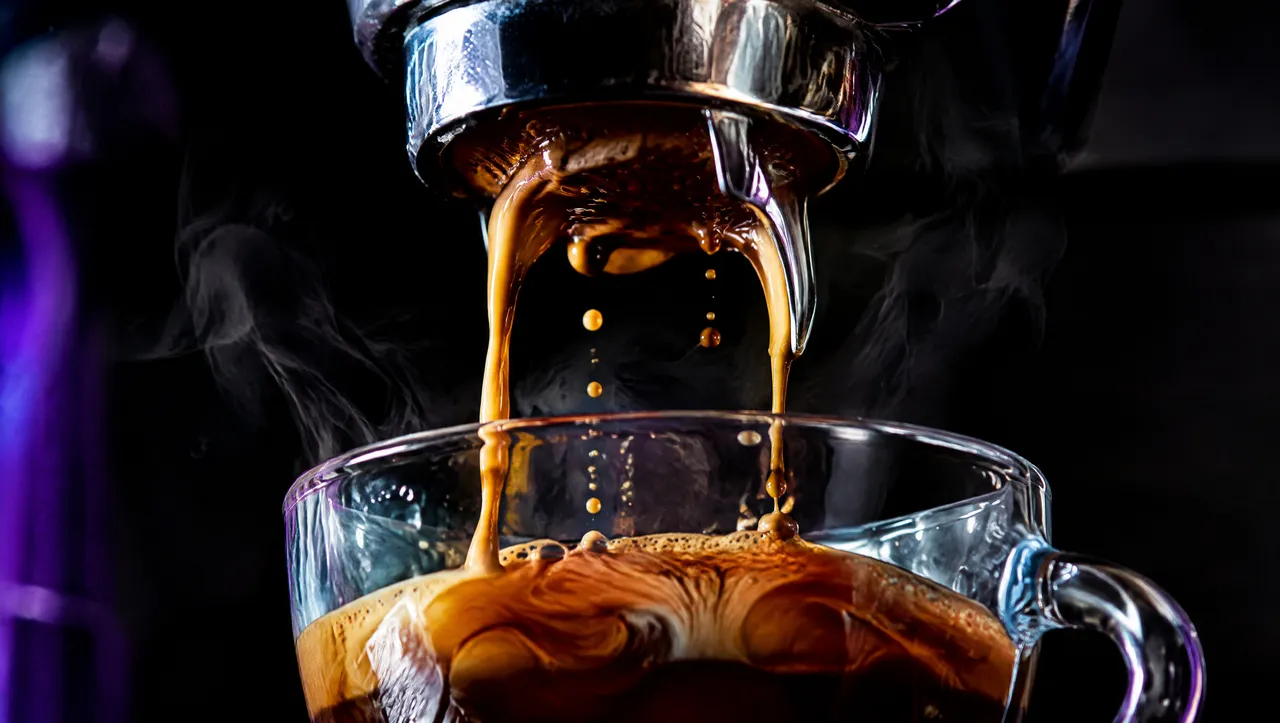
We use GPT Image 2.5 ourselves. The stills behind the clips on our home page were made with it in October 2026, before we turned them into video with Kling 3.0.
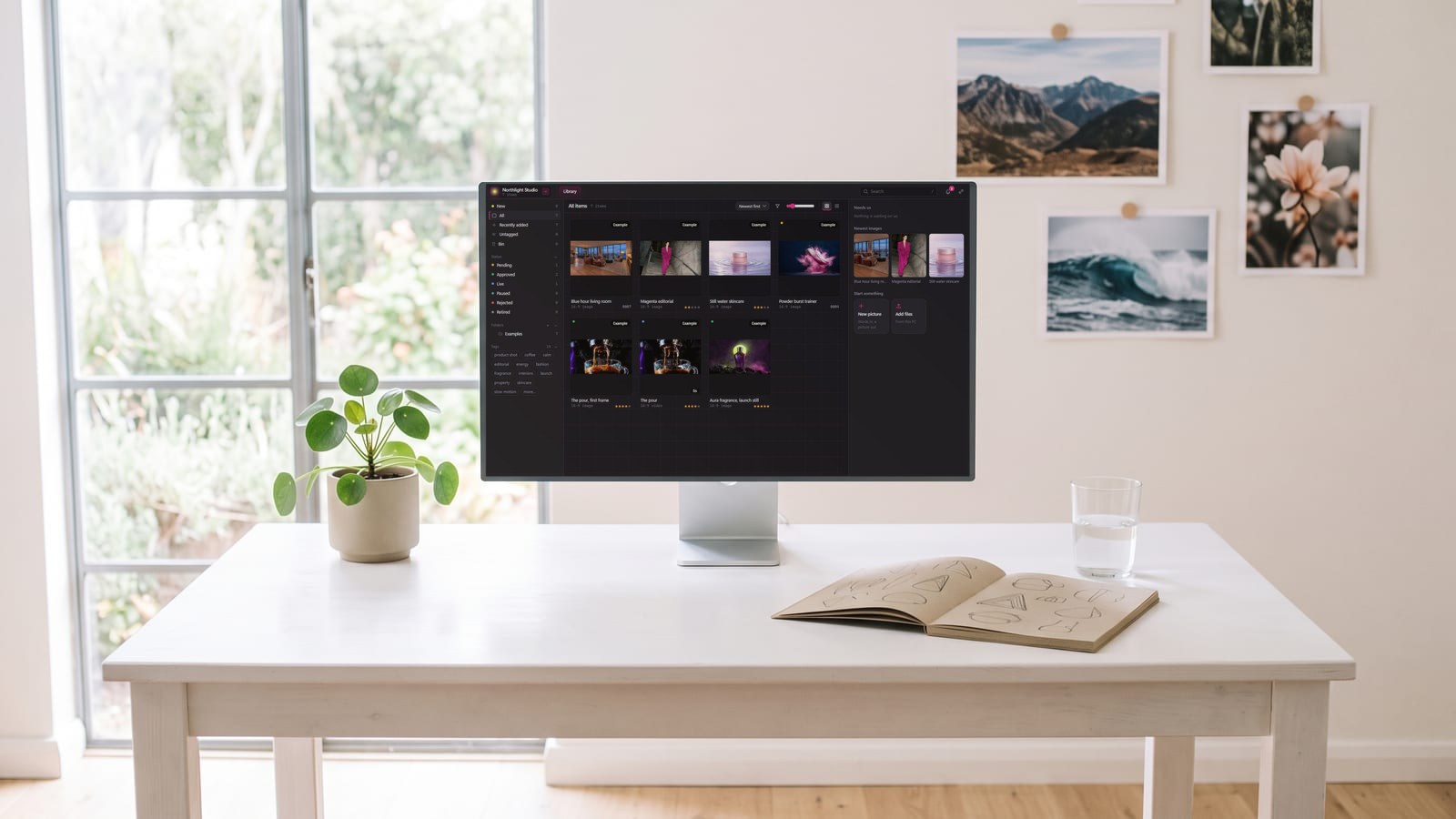
BosOn, our desktop app for Windows and Mac (in early access), runs GPT Image 2.5 on the accounts you already pay for: on your own OpenAI key, or Flare or Sunburst on your Higgsfield plan, chosen as the picture’s Version. Whichever made it, the pictures you keep go into one library on your computer, named, dated and marked with the model, next to everything you’ve made with other tools. OpenAI and Higgsfield are both Ready on our integrations page.
BosOn is independent and isn’t affiliated with or endorsed by OpenAI or Higgsfield.
Questions people also ask
When was GPT Image 2.5 released?
On 8 September 2026. OpenAI's API changelog lists GPT Image 2.5 Flare and GPT Image 2.5 Sunburst on that date, and ChatGPT Images 2.5 rolled out to ChatGPT, ChatGPT Work and Codex the same day.
What is the difference between GPT Image 2.5 Flare and Sunburst?
Flare is OpenAI's fast version for high-quality everyday pictures, and OpenAI calls it the default choice for most applications. Sunburst is its most capable version for generation and editing, built for work where precision across edits matters, such as campaign creative and product pictures, with longer generation times. Both have the same features, including transparent backgrounds.
Is GPT Image 2.5 free?
In ChatGPT, yes, within your plan's limits: OpenAI says Images 2.5 is available across all tiers, and its release notes say existing image limits are unchanged. In the API you pay per use; see OpenAI's pricing page. OpenAI's model pages say both versions keep GPT Image 2's token rates.
Is GPT Image 2.5 better than GPT Image 2?
OpenAI says ChatGPT Images 2.5 has more natural lighting and richer textures, keeps the subjects of reference photos better, follows edits more reliably across turns and is up to 50% faster than Images 2.0. Sunburst has higher image quality than GPT Image 2; OpenAI's prompting guide calls Flare's quality comparable to GPT Image 2, while its launch post says higher.
Does GPT Image 2.5 add a watermark?
Not a visible one. OpenAI says it continues to add C2PA metadata and an invisible watermark, and its system card names Google DeepMind's SynthID as the invisible layer, across ChatGPT, Codex and the API.
Sources
- OpenAI: Introducing ChatGPT Images 2.5
- OpenAI API: Changelog (8 September 2026)
- OpenAI API: GPT Image 2.5 Flare model page
- OpenAI API: GPT Image 2.5 Sunburst model page
- OpenAI API: Image generation guide
- OpenAI API: Image prompting guide
- OpenAI API reference: Create image edit
- OpenAI: ChatGPT Images 2.5 system card (8 September 2026)
- OpenAI Help Center: ChatGPT release notes
- Microsoft Learn: Image generation in Microsoft Foundry
- Higgsfield: GPT Image 2.5